
Your account & security
Your personal settings live under the avatar menu → Settings, in the Account section.
Your profile
Profile is where you set your name, photo and change your password.
Turn on two-factor sign-in
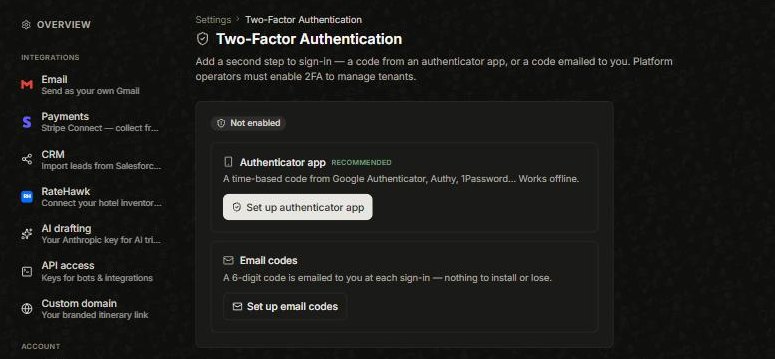
Add a second step at login from Security. Two options:
- Authenticator app (recommended) — a code from Google Authenticator, Authy, 1Password and the like. Works offline. Choose Set up authenticator app.
- Email codes — a six-digit code emailed to you at each sign-in, nothing to install. Choose Set up email codes.
Export or delete your data, and Trash
Data & Privacy lets you export or delete your data. And if you delete a trip or contact by mistake, Trash keeps it for 30 days — open it and restore.
Did this answer it?
If not, a real human reads every email.