
Your own domain for client links
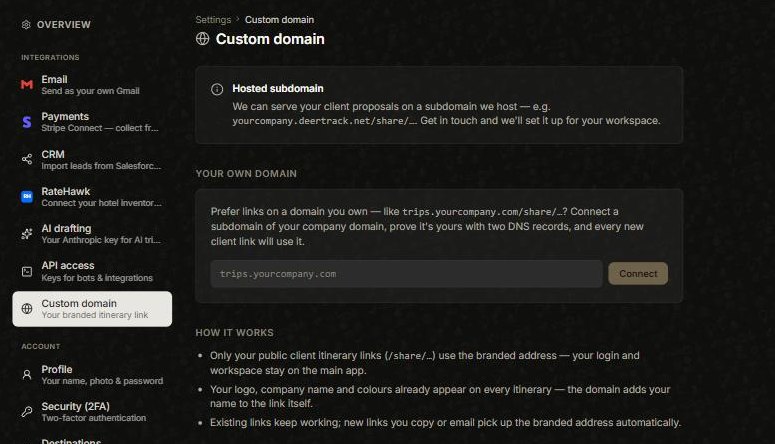
By default the itinerary links you share sit on deertrack.net. If you’d rather they carried your own name, you have two options in the avatar menu → Settings → Custom domain.
Option 1 — a subdomain we host
We can serve your client links on a subdomain we run for you — like yourcompany.deertrack.net/share/…. Get in touch and we’ll set it up.
Option 2 — a domain you own
Prefer links on your own domain — like trips.yourcompany.com/share/…? Enter the subdomain, prove it’s yours with two DNS records, and every new client link uses it automatically.
What changes (and what doesn’t)
Only your public client links (the /share pages) use the branded address — your login and workspace stay on the main app. Your logo, company name and colours already appear on every itinerary; the domain just adds your name to the link itself. Existing links keep working.
Did this answer it?
If not, a real human reads every email.