
Templates & comparison quotes
Two features save real time: templateslet you reuse a trip you’ve already built, and options let you show a client two versions of a trip side by side.
Save a trip as a template
Built something you’ll run again? In the Builder, open More actions → Save as Template. It keeps the structure — cities, days and services — ready to reuse.
Start from a template
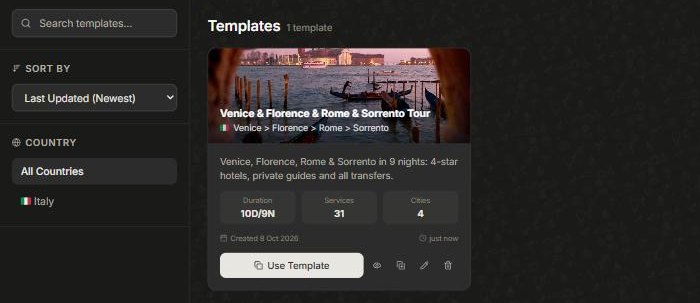
Open Templates (under More). Each one shows its duration, number of services and cities. Click Use Template to start a fresh trip from it — then swap dates, client and details. You can also preview, rename or delete templates here.
Offer a client options
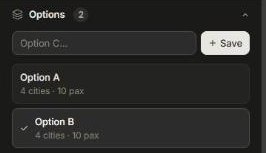
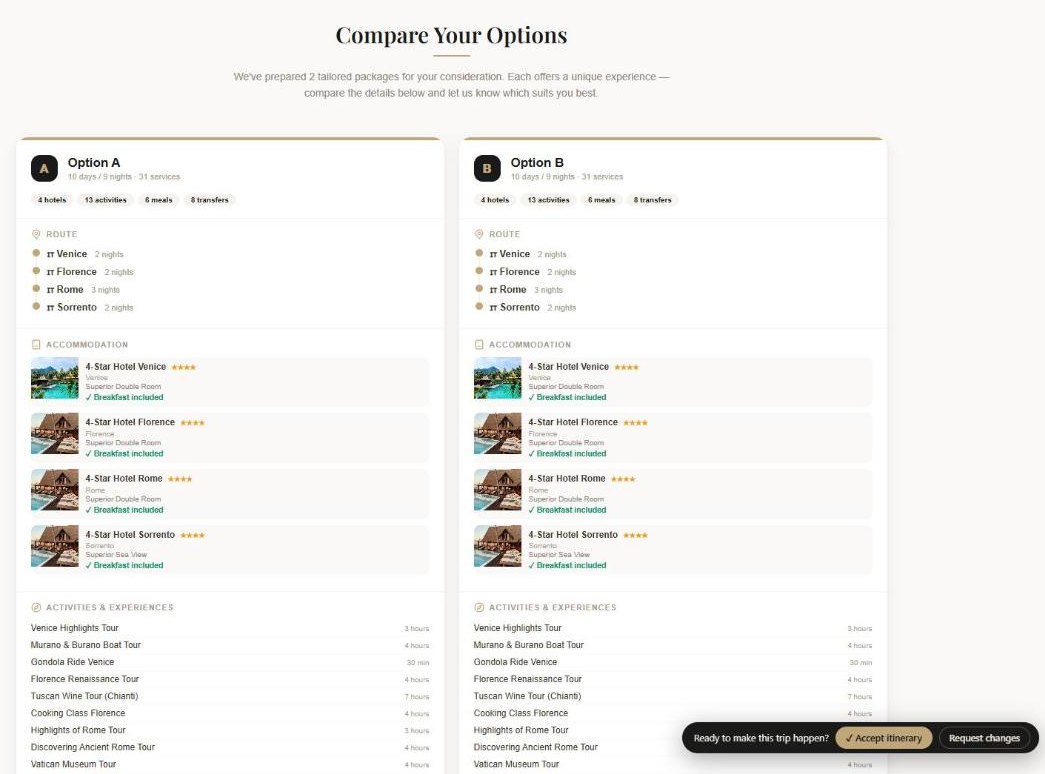
Torn between two versions? In the Builder’s Options section, save the current trip as Option A, build the alternative and save it as Option B, then Compare — the client gets a side-by-side view and picks. See Pricing for how each option is priced.
Did this answer it?
If not, a real human reads every email.